
Apps That Round Up Purchases for Savings (7 Best)

Last fact-checked: · Editorial standards
Saving money is simple in theory and hard in practice, because it asks you to make a choice every single time. Round-up apps quietly remove that choice. They round each purchase up to the next dollar and sweep the spare change into savings before you can talk yourself out of it.
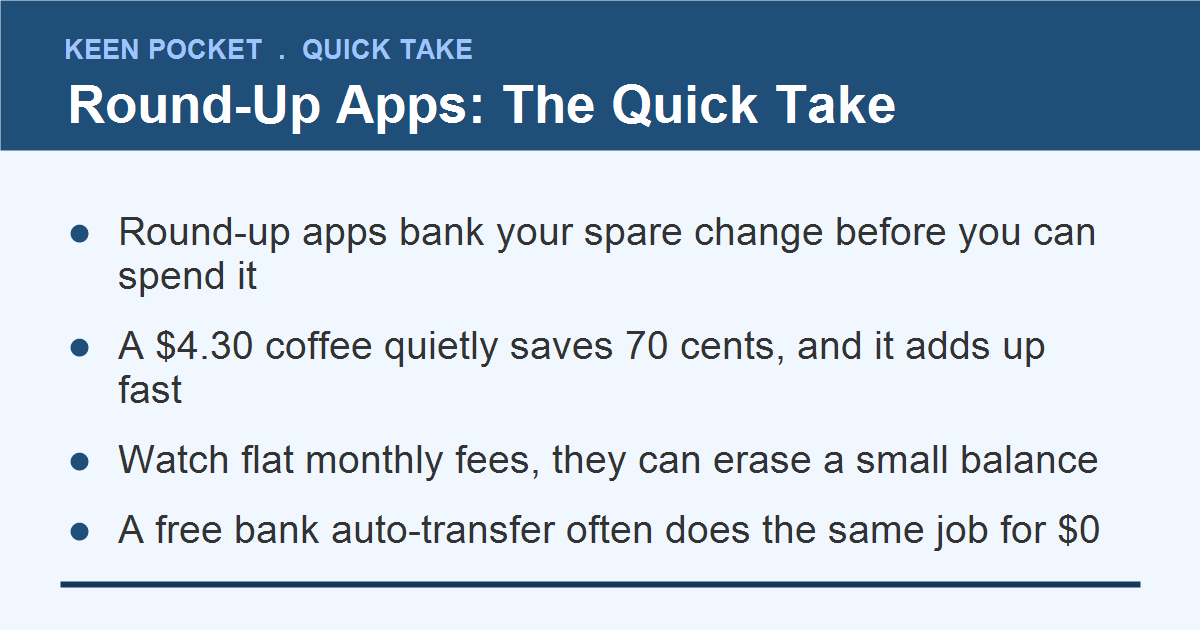
Buy a coffee for $4.30, and the app saves 70 cents. On its own that feels like nothing. Across a month of normal spending, those invisible cents add up to real money without any willpower on your part.
This guide covers the best apps that round up purchases for savings, how much they realistically save you, and the one catch nobody mentions: some of them charge a monthly fee that can quietly eat the very savings they create. By the end you will know which to pick and which to skip.
Why Round-Up Saving Works When Willpower Doesn’t
The reason round-ups work has nothing to do with the size of the amounts. It is that the decision is made once, then it runs on its own.
Behavioral researchers have shown this for decades. In a landmark study of automatic 401(k) enrollment, simply making saving the default, instead of something you had to opt into, sent participation soaring, because the plan no longer depended on a burst of discipline. Round-ups apply that same principle to your spare change.
You are not relying on motivation, which fades by the second week. You are relying on a rule that runs quietly in the background whether you feel like saving that day or not. That is the whole reason a few cents at a time can outperform a savings goal you keep meaning to fund.
A round-up app saves money because you never feel it leave. Automatic beats willpower every time, which is exactly why spare-change saving works when a savings goal alone does not.
How Round-Up Apps Actually Work
The mechanics are the same across almost every app. You link a card, and the app watches your purchases and pockets the difference to the next dollar.
You connect a debit or credit card so the app can see your purchases.
Each purchase rounds up to the next dollar, and the difference is set aside.
The spare change lands in a savings account or an investment, depending on the app.
That last point matters more than it sounds, and it is the first thing to check before you sign up. Some apps park your change safely in savings, while others invest it, which means it can go down as well as up.
The 7 Best Round-Up Apps, Compared
Here they are side by side, so you can match one to whether you want to save safely or invest, and to how much you are willing to pay. Fees are the detail most lists bury, so they get their own column.
| App | Where change goes | Monthly fee | Best for |
|---|---|---|---|
| Chime | Savings (2.00% APY) | Free | simple, safe saving |
| Your bank’s round-up | Your savings | Usually free | keeping it all in one place |
| Acorns | Investments | from $3 | hands-off investing |
| Qapital | Savings or investing | $3 to $12 | custom rules and goals |
| Bank of America | Savings | Free (customers) | existing BofA users |
| Stash | Investments | from $3 | learning to invest |
| Qapital / Digit-style savers | Savings | varies | automatic-only savers |
The pattern is clear: the free options round up into safe savings, and the paid ones usually round up into investments. Neither is wrong, but you should know which you are choosing before you link a card.
Free vs Paid: The Fee Trap Nobody Mentions
This is the part that turns a good idea into a bad one for small savers. A $3 monthly fee is $36 a year. If your round-ups only add up to $20 a month, the fee is eating a big chunk of your progress, and at very low spending it can cost more than it saves.
A free round-up from Chime or your own bank.
A paid app only if its extras clearly beat the fee.
Checking the annual fee against your real round-up total.
Paying $3 to $12 a month to save small amounts.
Ignoring the fee because the app feels “free” at first.
Letting a fee quietly outrun your spare change.
The rule of thumb: if you are on a tight budget, start with a free option. You can always upgrade to a paid investing app later, once your round-ups are large enough that the fee is a rounding error, not a real cost.
Save or Invest? Know the Difference
Where your spare change lands changes everything about the risk. It is worth ten seconds of thought before you pick an app.
📌 Good to Know
Round-ups into a savings account are safe and FDIC insured, and the balance only goes up. Round-ups into investments can grow more over years, but they can also drop, so they are for money you will not need soon. If this is your first cushion, choose savings.
For a starter emergency fund, safe savings wins. For long-term money you can leave alone, an investing round-up can put your spare change to work. Many people run both once the habit is set.
Acorns, Chime, and Qapital: The Big Three
These three cover most of what people mean by a round-up app. Acorns is the investing default, Chime is the free saving default, and Qapital is the flexible middle.
Qapital even lets you round up higher than the next dollar to save faster, and it advertises that its top-tier users save thousands a year. Just weigh that against its fee, and be honest about how much you actually spend.
How to Get the Most From Your Round-Ups
The default settings on most round-up apps are fine, but a few small tweaks turn spare change into something you actually notice.
Link the card you use most. Round-ups only capture purchases that run through the connected account. If you split spending across several cards, connect the one that sees the most daily transactions, usually your debit card or main credit card, so more purchases get rounded.
Turn on a multiplier only if you can spare it. Several apps let you round up to the next dollar and then double or triple that amount. On a tight budget, leave it at one. If your budget has a little room, a 2x multiplier quietly doubles your savings rate without changing how you shop.
Send the money somewhere it grows. Round-ups that land in a zero-interest holding account are just a piggy bank. Point them at a high-yield savings account or a low-cost investment option so the balance earns while it sits.
Check it once a month, then leave it alone. The whole point is that saving happens without your attention. Glance at the balance monthly to stay motivated and catch any fee creep, then let the app go back to being invisible. Fiddling with the settings every week is a good way to talk yourself out of the habit.
How Much Will You Actually Save?
Set your expectations with real math, not the marketing. The average round-up is about 50 cents per purchase, and a typical spender makes enough purchases to save roughly $20 a month.
That $240 a year appears without any effort or lifestyle change, which is the magic. But it is also why the fee matters so much: pay $36 for it and you keep about $204, while a free app lets you keep the whole $240.
Round-Ups vs a Simple Auto-Transfer: You Might Not Need an App
Here is the honest secret the app ads leave out. A round-up app is really just an automatic transfer with extra steps. If saving about $20 a month is the goal, you can get the same result for free with a tool your bank already gives you.
Set up a recurring transfer of $5 a week, or $20 on payday, from checking into savings. It lands the same roughly $240 a year, it never charges a fee, and it does not need to see every purchase you make.
💡 Quick Tip
Round-ups win on the feeling that you are saving painlessly, which keeps some people going. A flat auto-transfer wins on simplicity and privacy. If the round-up habit motivates you, use it; if not, a plain scheduled transfer does the same job with less to link.
The best choice is the one you will leave running. For many people that is a free round-up because it feels effortless, but do not pay a monthly fee for something your own bank can already do for nothing.
Where to Send the Round-Ups So They Grow
Spare change in a checking-linked pot is a fine start, but it earns almost nothing sitting there. The national average savings rate is around 0.39%, while a good high-yield account can pay several times that. Once the habit is running, point it somewhere that pays you.
A simple home for your spare change
The site’s roundup of the best high-yield savings accounts shows where to keep it, and the save your first $1,000 guide maps where this habit leads. Round-ups also pair well with an easy savings challenge if you want a second automatic layer.
Round-Ups and Overdraft: The One Risk to Watch
Round-up apps move money out of your checking account, and that is exactly where the one real risk lives. If your balance runs close to zero, an automatic sweep of round-ups can tip you into an overdraft, and a $35 overdraft fee wipes out months of saved change in a single hit.
Good apps guard against this. Most pause round-ups when your balance drops below a threshold you set, often around $100. Before you switch an app on, find that setting and make sure it is turned on. If an app does not offer a low-balance buffer at all, that is a strong reason to skip it, no matter how nice the interface looks.
The safest setup pairs a round-up app with a checking account that never charges overdraft fees in the first place. Several of the apps in this guide bundle exactly that. If yours does not, keep a small cushion in checking so the automatic saving never quietly costs you more than it sets aside.
Who Round-Up Apps Are Best For
Round-up apps are not for everyone, and that is fine. They shine for one specific person: someone who struggles to save on purpose but spends fairly steadily. If you have tried and failed to move money by hand, the automatic, invisible nature of round-ups is exactly the nudge you need.
They matter less if you already save automatically through a bank transfer or a workplace plan. In that case a round-up app is a small bonus layer at best, and often not worth a monthly fee. The same is true if your spending is lumpy, because your round-up totals will swing month to month and be hard to plan around.
If you are just getting started and want the habit to build itself, begin with a free option, watch it work for a month, and only pay for extra features once you have proof the change is actually adding up.
One more thing worth knowing before you commit: round-ups work best as a starter habit, not a finish line. Most people who stick with them eventually graduate to a larger, scheduled transfer once they see that saving does not actually hurt as much as they feared. Treat the app as training wheels. The day you catch yourself wishing it saved more is the day to add a small automatic transfer on top, and let the round-ups keep quietly topping it off in the background.
Common Round-Up Mistakes
The apps are simple, but a few slips turn a good habit into a leaky one.
Paying a monthly fee, ignoring the balance, and pulling the money out for everyday spending.
Using a free app, sending the change to a high-yield account, and leaving it alone to grow.
One more trap: do not use round-ups as an excuse to spend more. The goal is to save on money you were spending anyway, not to justify extra purchases because “the change gets saved.”
Frequently Asked Questions
What is the best free app that rounds up purchases for savings?
Chime is the most popular free option, with a round-up feature that sends spare change into a savings account paying 2.00% APY. Many traditional banks also offer a free round-up program to their own customers.
How much can round-up apps really save you?
With an average round-up near 50 cents per purchase, a typical spender saves about $20 a month, or roughly $240 a year, without changing how they live.
Are round-up apps worth the monthly fee?
Often not, for small savers. A $3 monthly fee is $36 a year, which can eat a large share of your round-ups. Use a free option unless a paid app’s investing features clearly outweigh the cost.
Do round-up apps invest or just save my money?
It depends on the app. Acorns and Stash invest your change, which can grow or fall, while Chime and most bank programs keep it in safe savings. Check before you link a card.
Are round-up savings apps safe?
Reputable ones are. Money in a savings round-up is typically FDIC insured, while invested round-ups carry normal market risk. Stick with well-known apps and read the fee terms first.
Bottom Line
The best apps that round up purchases for savings turn spare change into a real cushion by making saving automatic. Start with a free option, decide whether you want safe savings or investing, and watch the fee so it never outruns your progress.
Quick recap
Set one up this week, choose the free route to start, and let the cents do the work. If you like automatic saving, the site’s easy savings challenge and guide to cashback apps that pay real money stack neatly on top.

Sarah Whitman is the founder and lead editor of Keen Pocket. She holds a BS in Accounting and Finance and writes plain-English guides on budgeting, saving, debt, and beginner investing.